All Seren apps

New — browsing, copy and move, trash, archives, categories and search all work

Seren Files

A modern, fast and easy to use file manager for Android.

Part of Seren: free, carefully made, and built so you aren’t the product.

Internal storage, SD cards and bookmarks, copy and move with clear choices when names clash, a 30 day trash with Undo, zip, 7z and tar, search, categories, photo thumbnails, and Save to Seren Files from the share sheet. No network permission; its one permission is all files access, asked for with a plain explanation.
Features

From the Seren Files README. Nothing invented.

Browsing

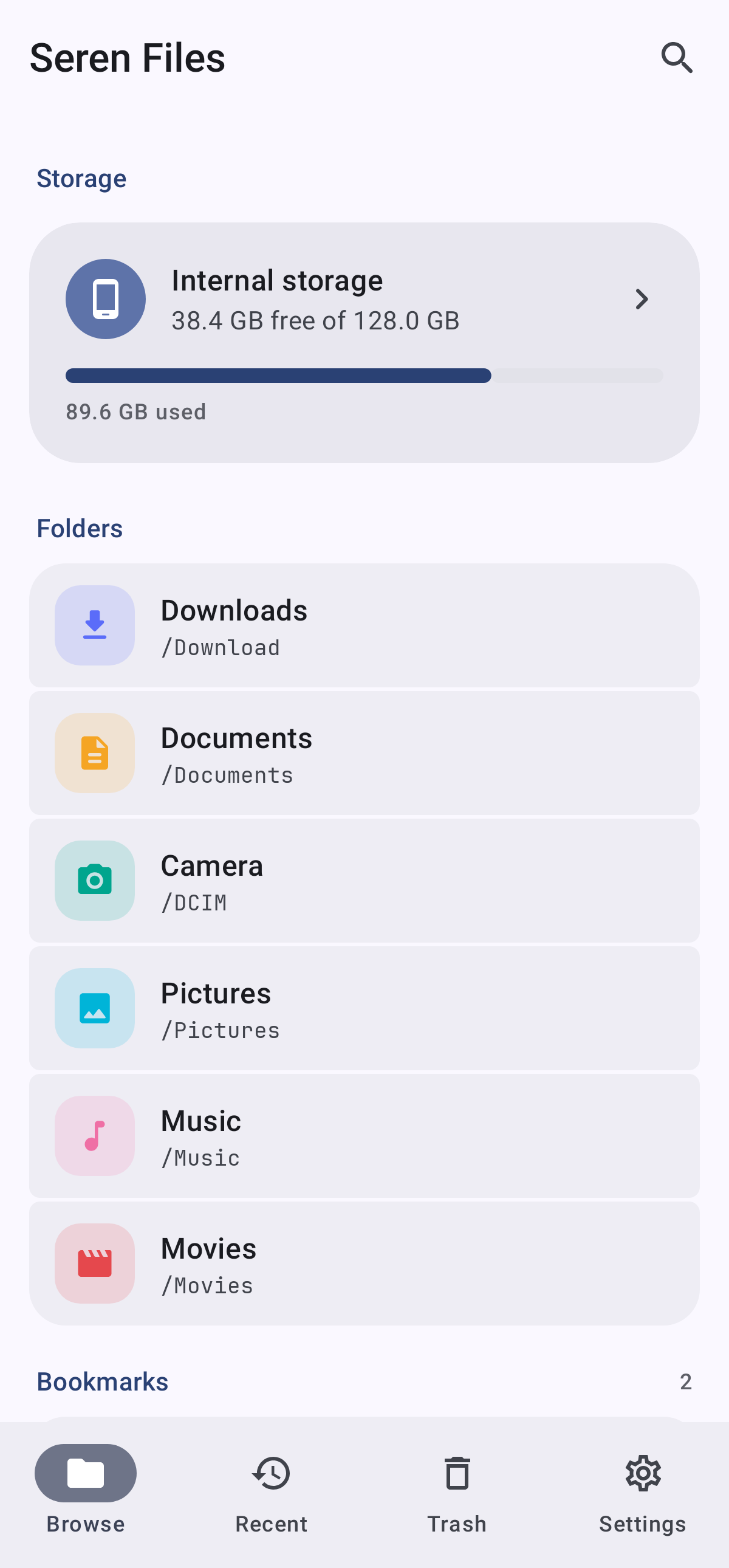
  • Internal storage, SD cards and USB drives, each with free space and a fullness bar
  • Downloads, Documents, Camera and more one tap away, plus bookmarks for any folder
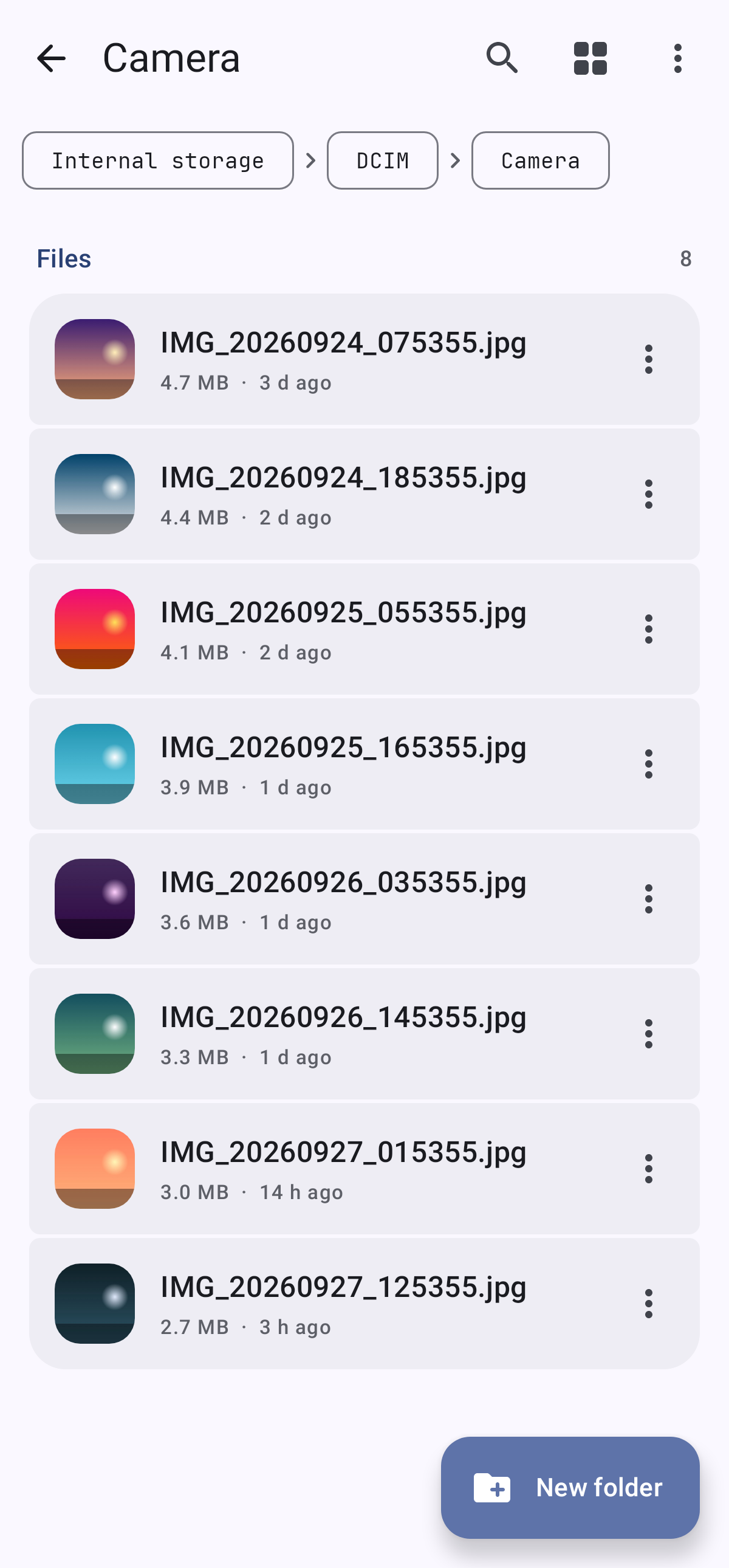
  • List or grid of large thumbnails; categories for images, video, audio, documents, archives and large files
  • Hidden files on request, search by name through a folder and everything inside it
  • Recent: files changed in the last 30 days, grouped into Today, Yesterday, This week and Earlier

Working with files

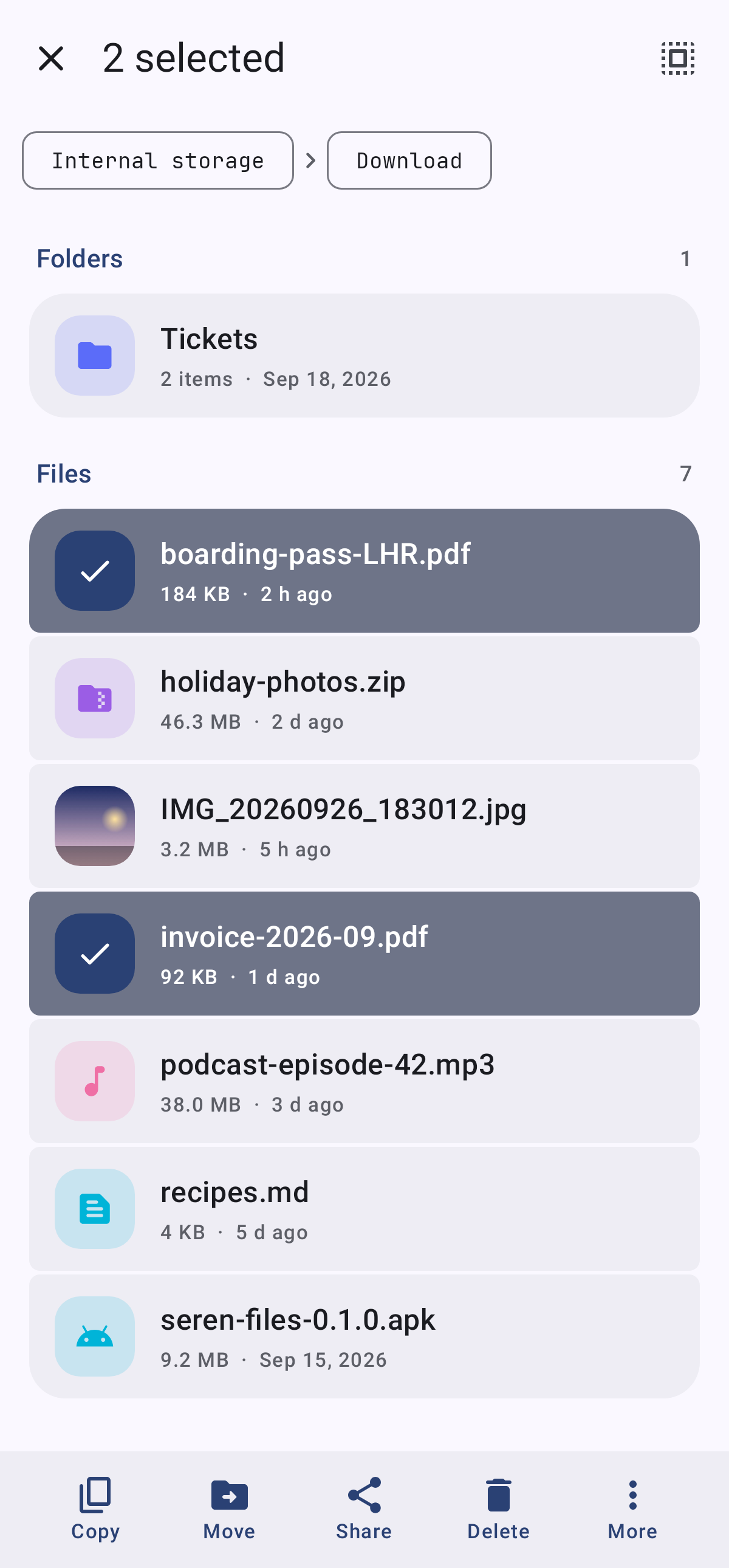
  • Long press to pick several items, then copy, move, share, delete, rename, compress or see details
  • When names clash: Replace (folders merge), Keep both, or Skip
  • Compress to zip; extract zip, 7z (including password protected), tar and compressed variants
  • Long jobs keep going after you leave the app, with a notification showing progress and Cancel
  • Details: type, size, date, path, and SHA-256 on request

Trash

  • Deleting moves things to a trash folder on the same volume, instantly, with Undo
  • Restore puts items back where they were; items are deleted for good after 30 days
  • The trash can be turned off, so deleting is permanent (and says so)

Privacy and the suite

  • No network permission: nothing Seren Files sees ever leaves the device
  • One clearly explained permission, all files access, asked for only when you tap Allow access
  • “Open in Seren Edit”, “Upload with Seren SSH”, and “Import into Seren SSH” when those apps are installed
  • Optional app lock with biometrics or the device screen lock

Screenshots

Rendered from the app with demo data.

Browse tab in Seren Files
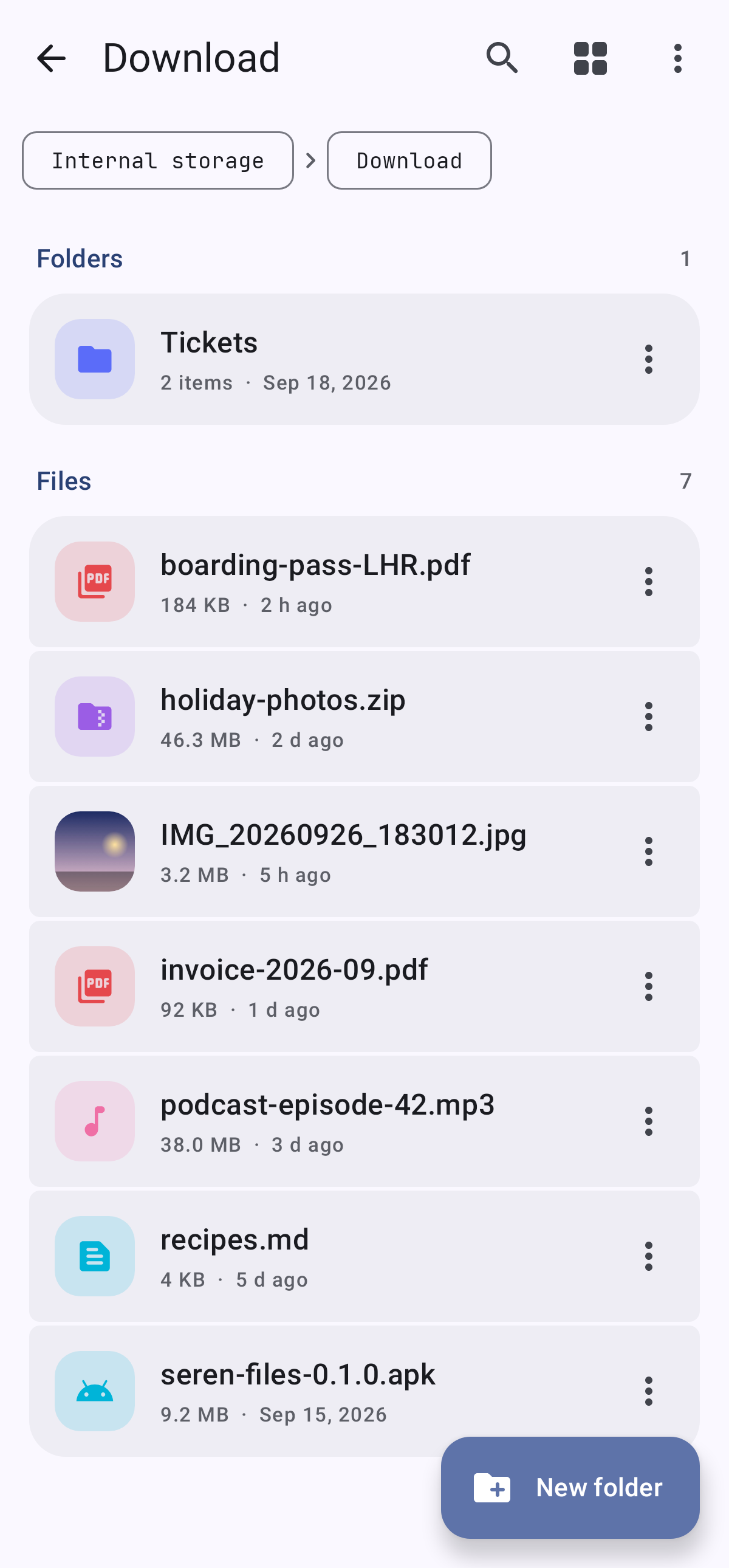
A folder in Seren Files
Photos with thumbnails
Selecting several files

Part of the Seren suite

Same theme, same promises, and careful handoffs with the other apps when they are installed.